
Virtual Q&A sessions have become essential for professionals, educators, and business leaders navigating the digital landscape. These interactive experiences create meaningful connections and establish authority when executed properly.

Whether you’re hosting webinars, conducting team meetings, or presenting to stakeholders, mastering virtual question-and-answer formats can dramatically enhance your professional presence. The ability to engage audiences through screens while maintaining authenticity separates memorable presenters from forgettable ones. This comprehensive guide will equip you with proven strategies to transform your virtual Q&A sessions into powerful communication experiences that resonate long after the session ends.
🎯 Understanding the Virtual Q&A Landscape
Virtual Q&A sessions differ fundamentally from in-person interactions. The digital environment removes physical presence cues like body language visibility and spatial dynamics that naturally regulate conversation flow. Participants join from various locations, time zones, and contexts, creating a fragmented attention landscape that demands intentional engagement strategies.
Successful virtual facilitators recognize that technology serves as both bridge and barrier. Connection latency, audio quality, and platform limitations can disrupt the natural rhythm of conversation. However, digital tools also provide unique advantages: chat features enable simultaneous input, polls create instant feedback loops, and recording capabilities extend your content’s lifespan beyond the live event.
Strategic Preparation: The Foundation of Confidence
Confidence during virtual Q&A sessions stems from thorough preparation that goes beyond knowing your subject matter. Technical readiness prevents embarrassing disruptions that undermine credibility. Test your internet connection, camera positioning, lighting setup, and audio quality at least one hour before going live.
Create a professional background that reinforces your brand without distracting viewers. Natural light from windows positioned in front of you produces flattering illumination, while ring lights eliminate shadows. Position your camera at eye level to create natural sightlines that simulate face-to-face conversation rather than the unflattering angles caused by laptop placement.
Content Architecture for Maximum Impact
Structure your session with clear segments that guide participants through a logical journey. Begin with a concise overview that establishes expectations, transitions into your core presentation or discussion points, then opens the floor for questions with specific guidelines about submission methods and time allocation.
Anticipate probable questions by analyzing your audience demographics, previous interactions, and common industry concerns. Prepare concise responses to these predictable inquiries while remaining flexible enough to address unexpected topics. This preparation prevents awkward silences and demonstrates subject mastery without appearing scripted.
🎤 Engagement Techniques That Captivate Virtual Audiences
Virtual audiences face countless distractions competing for their attention. Your engagement strategy must actively combat the pull of email notifications, household interruptions, and general screen fatigue that plague remote participants.
Start with interactive elements within the first three minutes. Pose a provocative question in the chat, launch a quick poll, or ask participants to share their location or current challenge. This immediate interaction signals that passive viewing won’t suffice and establishes a participatory norm for the entire session.
Leveraging Platform Features for Interaction
Modern video conferencing platforms offer robust features that transform monologues into dialogues. Use breakout rooms for small group discussions before reassembling for collective Q&A. This approach generates more thoughtful questions as participants warm up through peer conversation.
Enable reaction emojis so participants can provide non-verbal feedback without interrupting flow. Monitor these reactions to gauge comprehension and interest levels, adjusting your pacing or approach accordingly. When someone raises a virtual hand, acknowledge them promptly even if you can’t address their question immediately.
- Utilize screen sharing to display relevant visuals that reinforce verbal explanations
- Implement chat moderators for large sessions to filter and prioritize incoming questions
- Create question templates that guide participants toward specific, answerable inquiries
- Use annotation tools to highlight key points collaboratively during discussions
- Record sessions for participants who experience technical difficulties or time zone conflicts
Communication Excellence in the Digital Realm
Effective virtual communication requires adaptation of traditional speaking skills for digital contexts. Your voice becomes your primary tool for conveying enthusiasm, authority, and approachability when physical presence diminishes.
Vary your vocal tone, pace, and volume to maintain auditory interest. Monotone delivery accelerates audience disengagement regardless of content quality. Pause strategically after posing questions or presenting complex concepts, allowing processing time that feels longer in virtual environments than in physical spaces.
The Art of Clear, Concise Responses
Virtual Q&A responses should be shorter and more structured than in-person answers. Screen fatigue reduces attention spans, making concise communication essential. Apply the PREP framework: Point, Reason, Example, Point. State your main answer, explain the reasoning, provide a relevant example, then reinforce your initial point.
Avoid tangential rambling that loses your core message. If a question requires extensive explanation, acknowledge its complexity, provide a summarized answer, and offer to follow up with detailed resources afterward. This approach respects everyone’s time while ensuring the questioner receives comprehensive information.
💡 Handling Challenging Questions with Grace
Difficult questions inevitably arise during Q&A sessions. Your response approach significantly impacts your credibility and audience perception. Never dismiss questions as irrelevant or respond defensively when challenged.
When facing questions outside your expertise, acknowledge the limitation honestly rather than fabricating answers. Offer to research the topic and follow up, or suggest resources where the participant might find accurate information. This humility builds trust more effectively than false confidence.
Managing Hostile or Inappropriate Inquiries
Occasionally, participants pose questions with adversarial intent or inappropriate content. Remain calm and professional regardless of the question’s tone. Reframe hostile questions into constructive formats before responding, which demonstrates composure while redirecting conversation productively.
Establish clear participation guidelines at the session’s outset, including respectful communication expectations. This foundation allows you to reference agreed-upon standards when enforcing boundaries without appearing arbitrary or defensive.
Technical Mastery: Tools and Platforms
Platform selection significantly influences session quality and participant experience. Zoom, Microsoft Teams, Google Meet, and specialized webinar platforms each offer distinct advantages depending on your specific needs, audience size, and interaction requirements.
For large-scale presentations with hundreds of participants, webinar-specific platforms provide better audience management tools, production quality features, and analytics capabilities. Smaller team meetings or workshops benefit from the collaborative features available in standard video conferencing applications.
Essential Technical Considerations
| Technical Element | Minimum Requirement | Optimal Standard |
|---|---|---|
| Internet Speed | 10 Mbps upload/download | 25+ Mbps upload/download |
| Camera Quality | 720p resolution | 1080p HD webcam |
| Microphone | Built-in computer mic | External USB or podcast microphone |
| Lighting | Natural window light | Three-point lighting setup with ring light |
Invest in quality equipment as your virtual presentation frequency increases. Professional-grade audio significantly impacts perceived competence more than video quality. Participants tolerate average video but quickly disengage from sessions with echo, background noise, or muffled audio.
🌟 Building Rapport Through the Screen
Creating genuine connections in virtual environments requires intentional effort that overcomes digital distance. Make direct eye contact by looking at your camera rather than the screen, creating the impression of focused attention on individual participants.
Use participant names when addressing questions or acknowledging contributions. This personalization demonstrates attentiveness and values individual input. Review the participant list before sessions to familiarize yourself with names, reducing the cognitive load during live interaction.
Authenticity as Your Competitive Advantage
Audiences crave authenticity in an increasingly digital world filled with polished but impersonal content. Share relevant personal experiences, acknowledge when you’re unsure, and display appropriate vulnerability that humanizes your expertise.
Allow your personality to emerge rather than adopting an artificial professional persona. Humor, when appropriate to your topic and audience, creates memorable moments that strengthen connection. Minor technical glitches or interruptions handled with grace and humor demonstrate authenticity more effectively than flawless but sterile presentations.
Post-Session Strategies for Lasting Impact
Your virtual Q&A session’s value extends beyond the live event through strategic follow-up and content repurposing. Send personalized thank-you messages to participants who asked questions, including promised resources or additional information relevant to their inquiries.
Create highlight reels featuring compelling question-and-answer exchanges for social media distribution. Transcribe sessions to generate blog content, FAQ resources, or knowledge base articles that serve future audiences. This content multiplication maximizes your time investment while providing value to those who couldn’t attend live.
Gathering Actionable Feedback
Implement brief post-session surveys that capture participant impressions while the experience remains fresh. Focus on specific improvement areas rather than generic satisfaction ratings. Ask what topics deserved more attention, which technical aspects needed enhancement, and what format modifications would increase value.
Review session recordings critically, noting moments when engagement dropped, questions that revealed content gaps, and transitions that felt awkward. This self-assessment combined with participant feedback creates a continuous improvement cycle that elevates each subsequent session.
🚀 Advanced Techniques for Seasoned Facilitators
Once basic virtual Q&A competencies solidify, advanced techniques further differentiate your sessions. Incorporate live demonstrations that visualize concepts rather than merely describing them. This multisensory approach accommodates diverse learning preferences and maintains visual interest.
Experiment with co-facilitation models that bring complementary expertise and dynamic interaction to sessions. The dialogue between presenters creates natural energy that engages audiences more effectively than solo presentations. Coordinate seamlessly with your co-facilitator through private chat channels or predetermined signals that orchestrate smooth transitions.
Creating Community Beyond Individual Sessions
Transform one-time Q&A sessions into ongoing community experiences by establishing dedicated communication channels where participants continue conversations. LinkedIn groups, Slack channels, or Discord servers extend relationships and position you as a sustained resource rather than a transactional presenter.
Host recurring Q&A sessions that build anticipation and loyal followings. Consistency in scheduling, format, and quality establishes your reputation as a reliable knowledge source while allowing you to refine techniques through repetition and pattern recognition.
Measuring Success and Continuous Improvement
Define clear success metrics aligned with your session objectives. Engagement metrics like average attendance duration, question volume, and chat participation provide quantitative feedback. Qualitative measures including testimonial themes, repeat attendance rates, and post-session conversion actions reveal deeper impact.
Track how virtual Q&A sessions influence broader goals such as lead generation, thought leadership positioning, team cohesion, or educational outcomes. This holistic perspective justifies time investment and guides strategic adjustments that align sessions with organizational priorities.
Overcoming Virtual Presentation Anxiety
Even experienced professionals experience heightened anxiety when presenting virtually. The lack of immediate audience feedback creates uncertainty, while the awareness of recording permanence amplifies pressure. Reframe these challenges by focusing on the individuals you’re helping rather than your own performance.
Develop pre-session rituals that calm nerves and center focus. Physical exercise, breathing exercises, or brief meditation create physiological calm that translates to composed presentation. Practice responses to anticipated questions aloud, building muscle memory that reduces cognitive load during live delivery.
Remember that minor mistakes humanize rather than diminish you. Apologizing excessively for small errors draws attention to them while moving forward confidently signals professional resilience. Your audience wants you to succeed and extends grace for imperfections when overall value remains high.
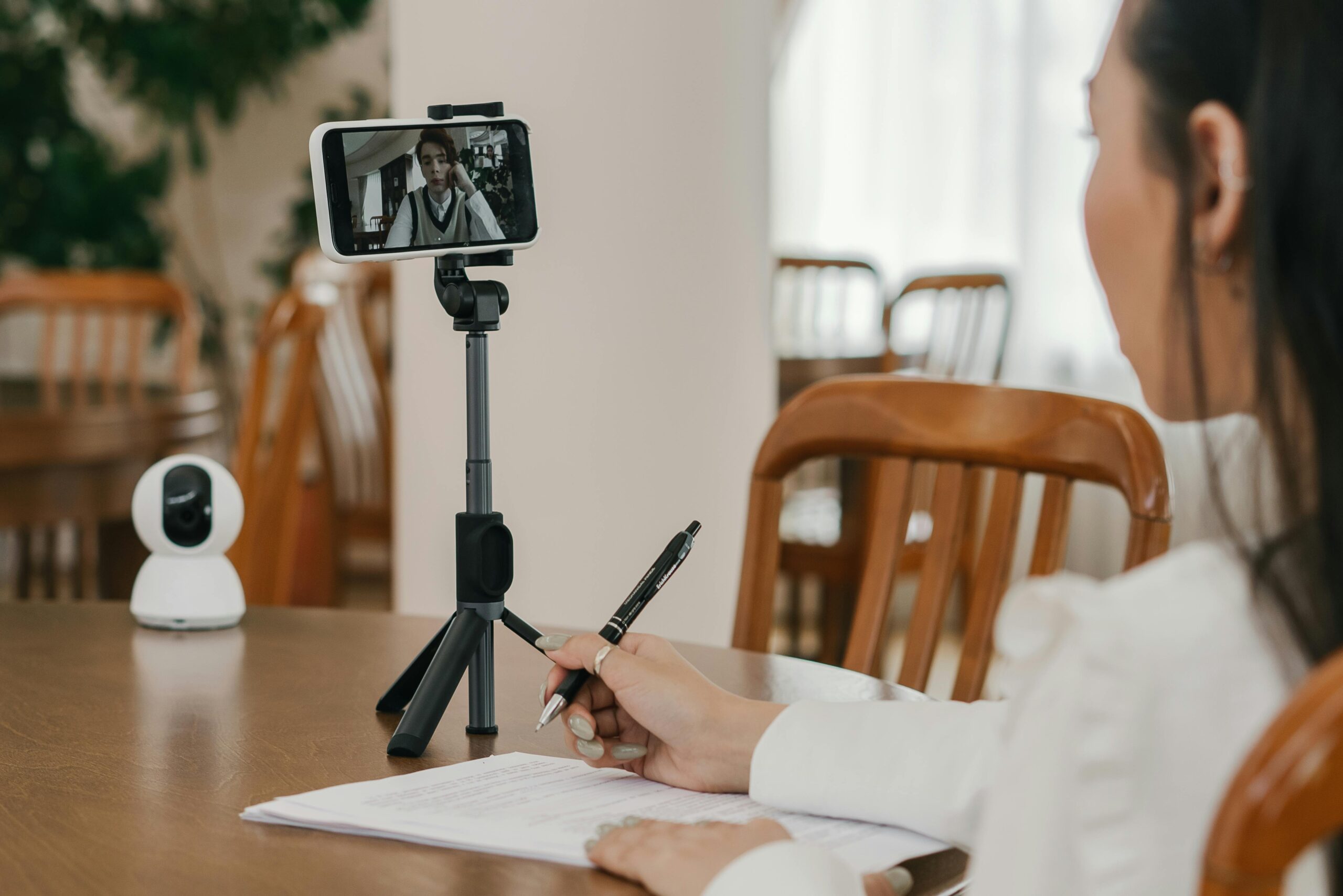
Transforming Virtual Q&A into Your Signature Strength
Mastering virtual Q&A sessions represents more than technical skill development—it’s about creating meaningful human connections through digital mediums. As remote and hybrid work models continue dominating professional landscapes, this competency becomes increasingly valuable for career advancement and organizational impact.
Your commitment to continuous improvement, audience-centric preparation, and authentic engagement will consistently produce sessions that educate, inspire, and connect. Each virtual Q&A opportunity serves as both performance and practice, progressively refining your approach while building reputation as a confident, capable communicator who thrives in digital environments.
Start implementing these strategies in your next virtual Q&A session, focusing on one or two areas for improvement rather than attempting wholesale transformation. Incremental enhancements compound over time, eventually producing dramatic results that distinguish you as a masterful virtual communicator who engages audiences, impresses stakeholders, and communicates with unwavering confidence across digital platforms. 🎯




